







1
/
8
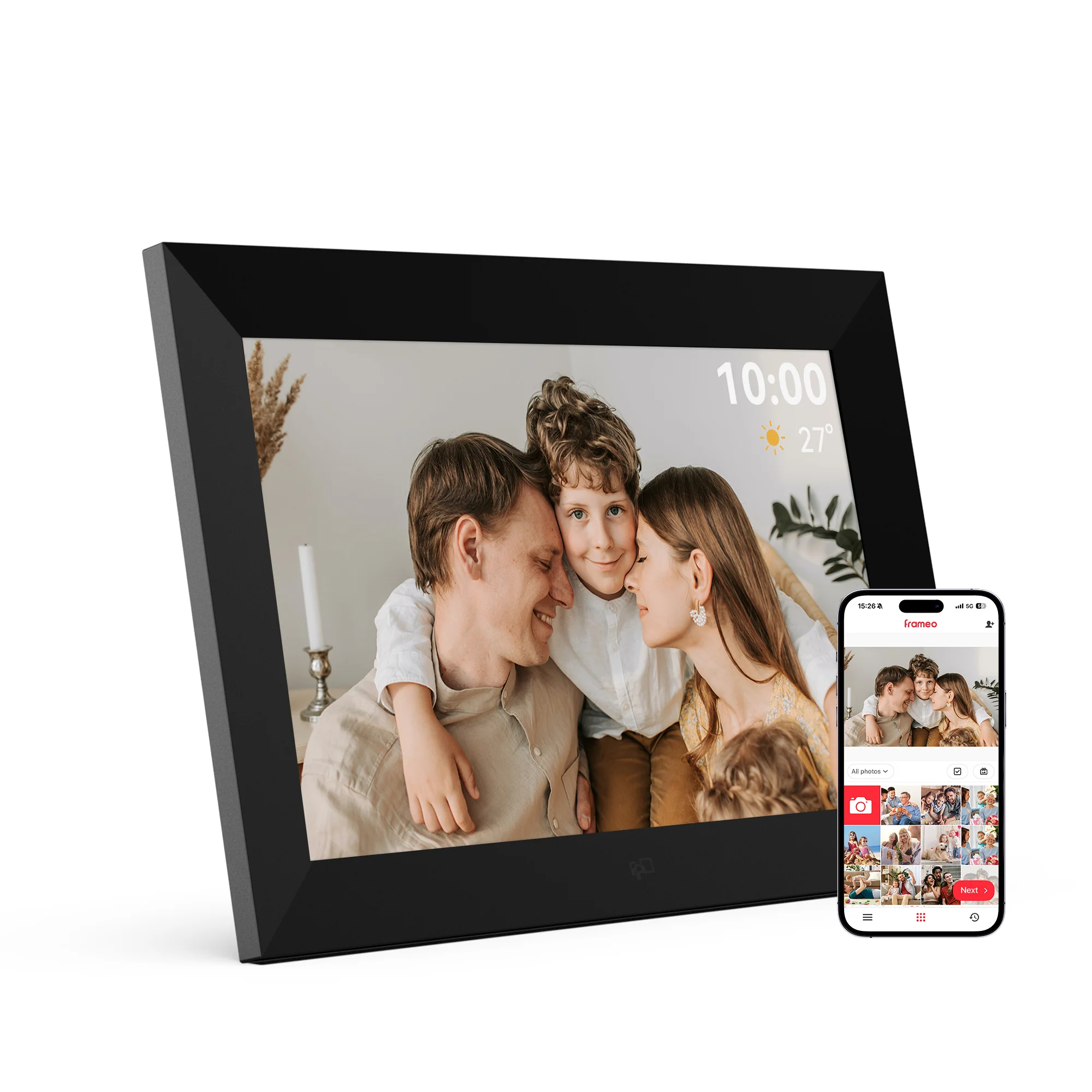
FPD 10.1-Inch Frameo WiFi Digital Photo Frame
€69,90 EUR
Impuesto incluido
El envío se calcula al finalizar la compra.
EU Legal Guarantee
Cantidad






FAQs
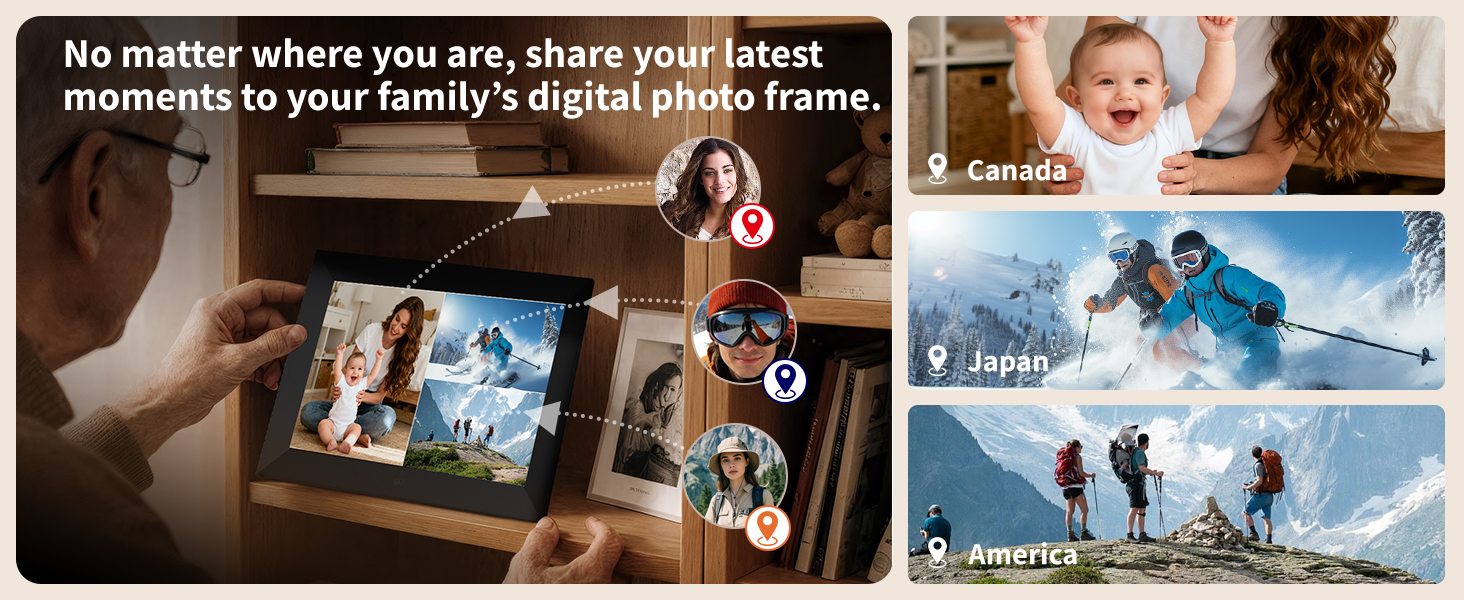
How to transfer photos remotely ?
1. Connect the frame to Wi-Fi.
2. Open the Frameo app.
3. Scan the on-screen code or enter the pairing code.
4. Select photos/videos.
5. Tap “Send” to transfer
2. Open the Frameo app.
3. Scan the on-screen code or enter the pairing code.
4. Select photos/videos.
5. Tap “Send” to transfer
Is there an extra fee to send photos/videos ?
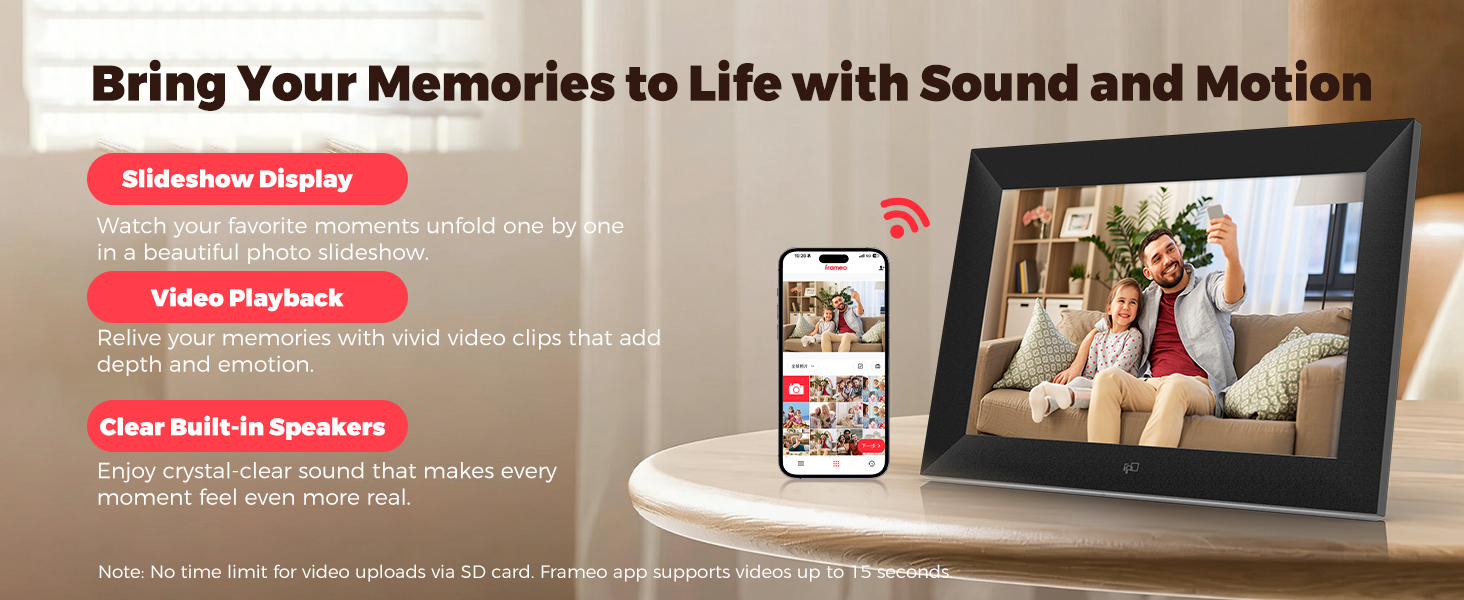
No. You can send up to 10 photos and 1 video of 15 sec per transfer at no extra cost. Frameo+ can be enabled as needed to send up to 100 photos and 1 video of 2 min per transfer.
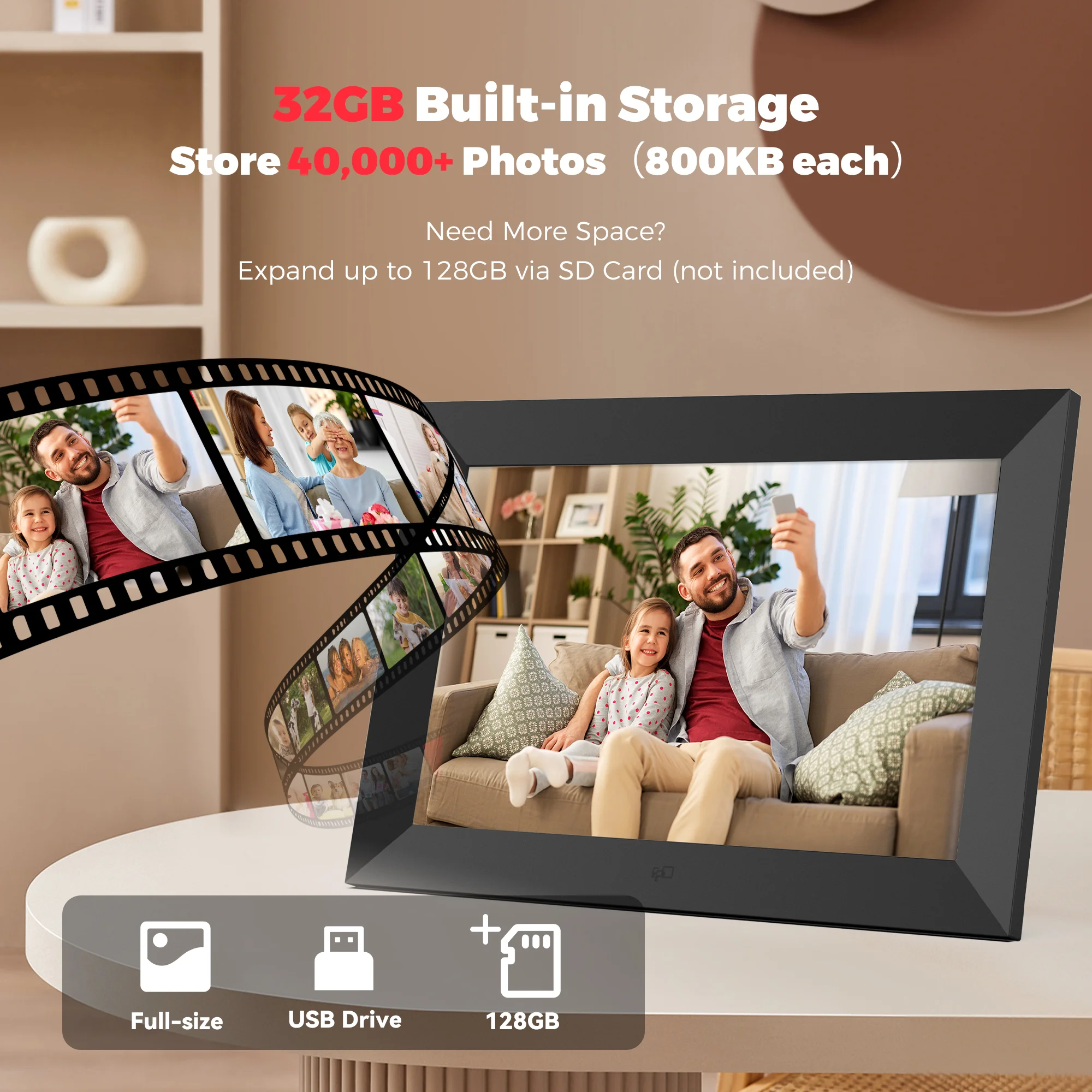
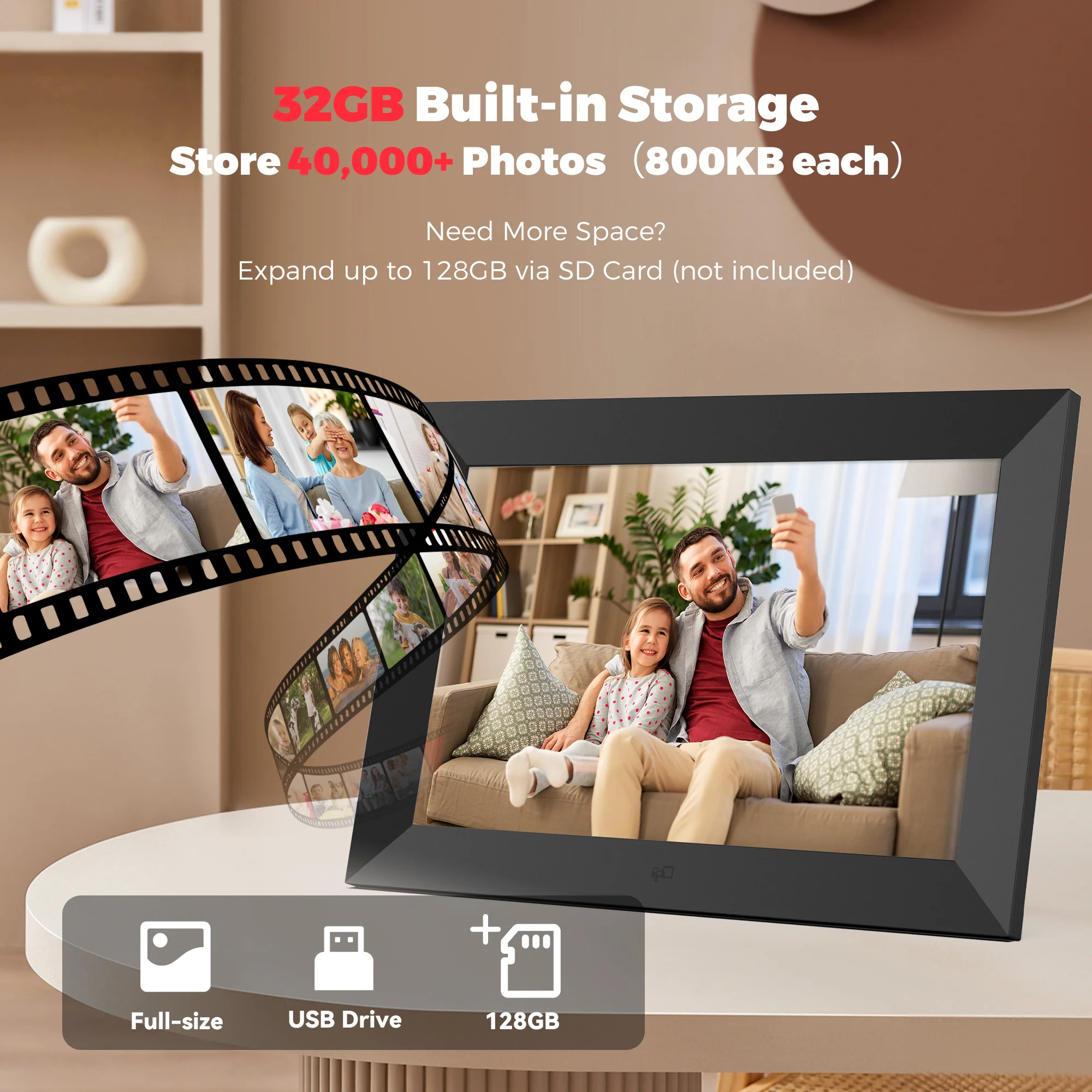
How many photos can the frame store ? Can it display photos without Wi-Fi ?
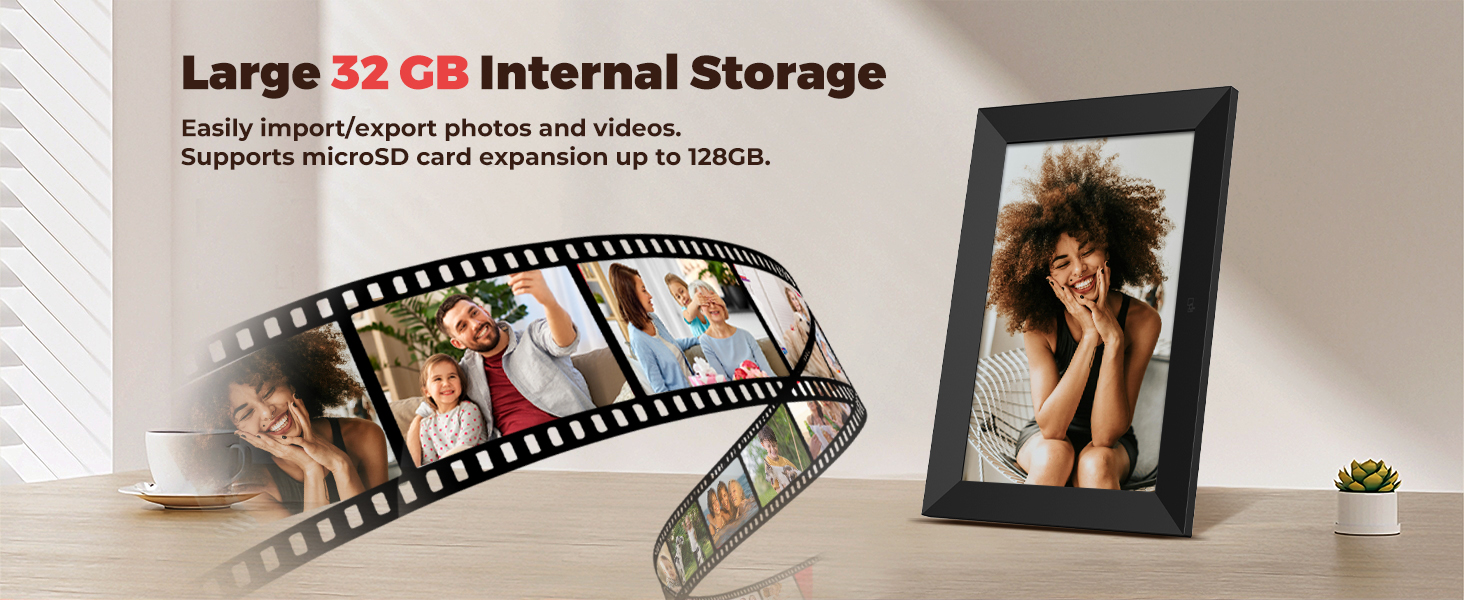
With 32GB built-in storage, the frame can store about 40,000 photos based on 800KB each. Photos are stored locally, so they can be viewed normally without an internet connection.
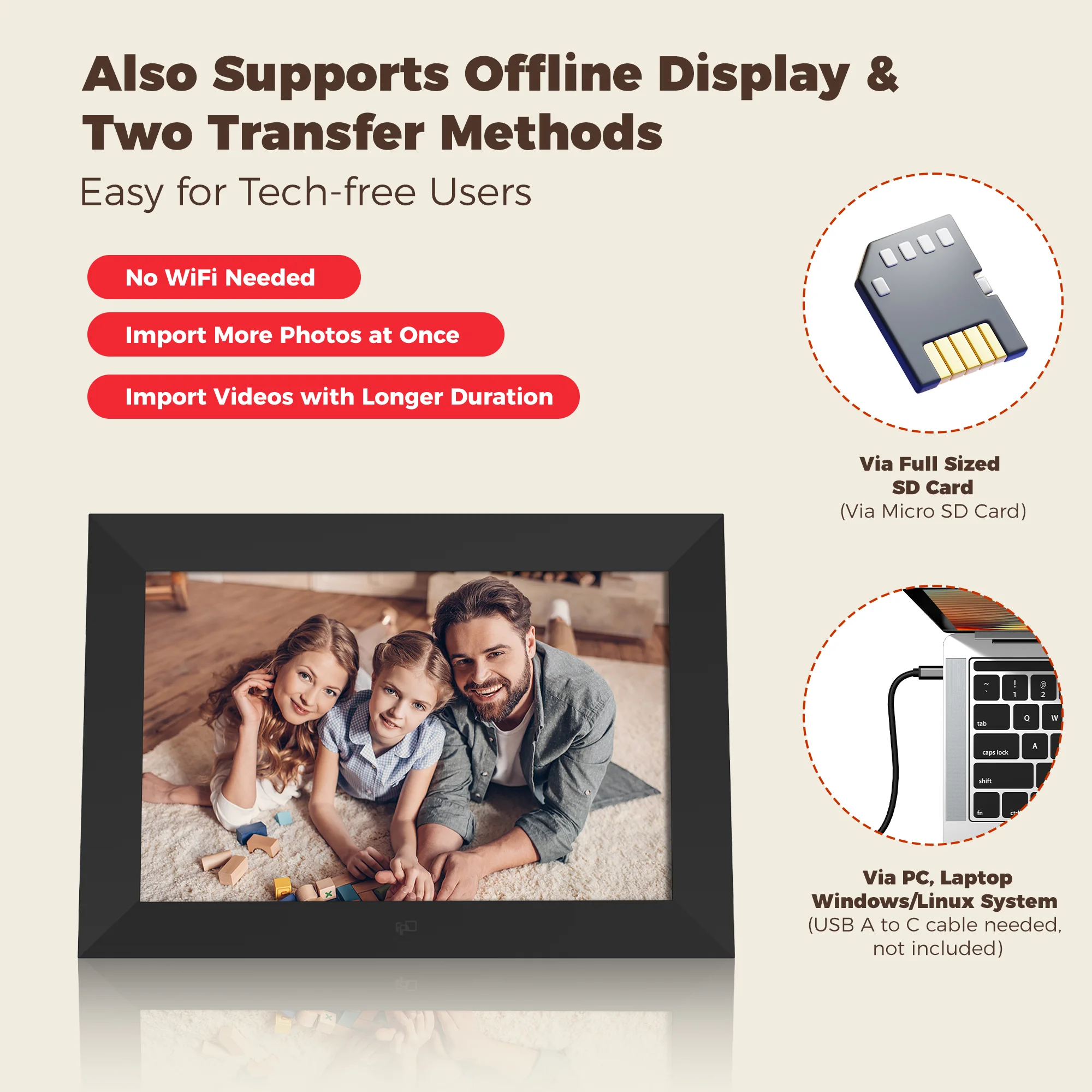
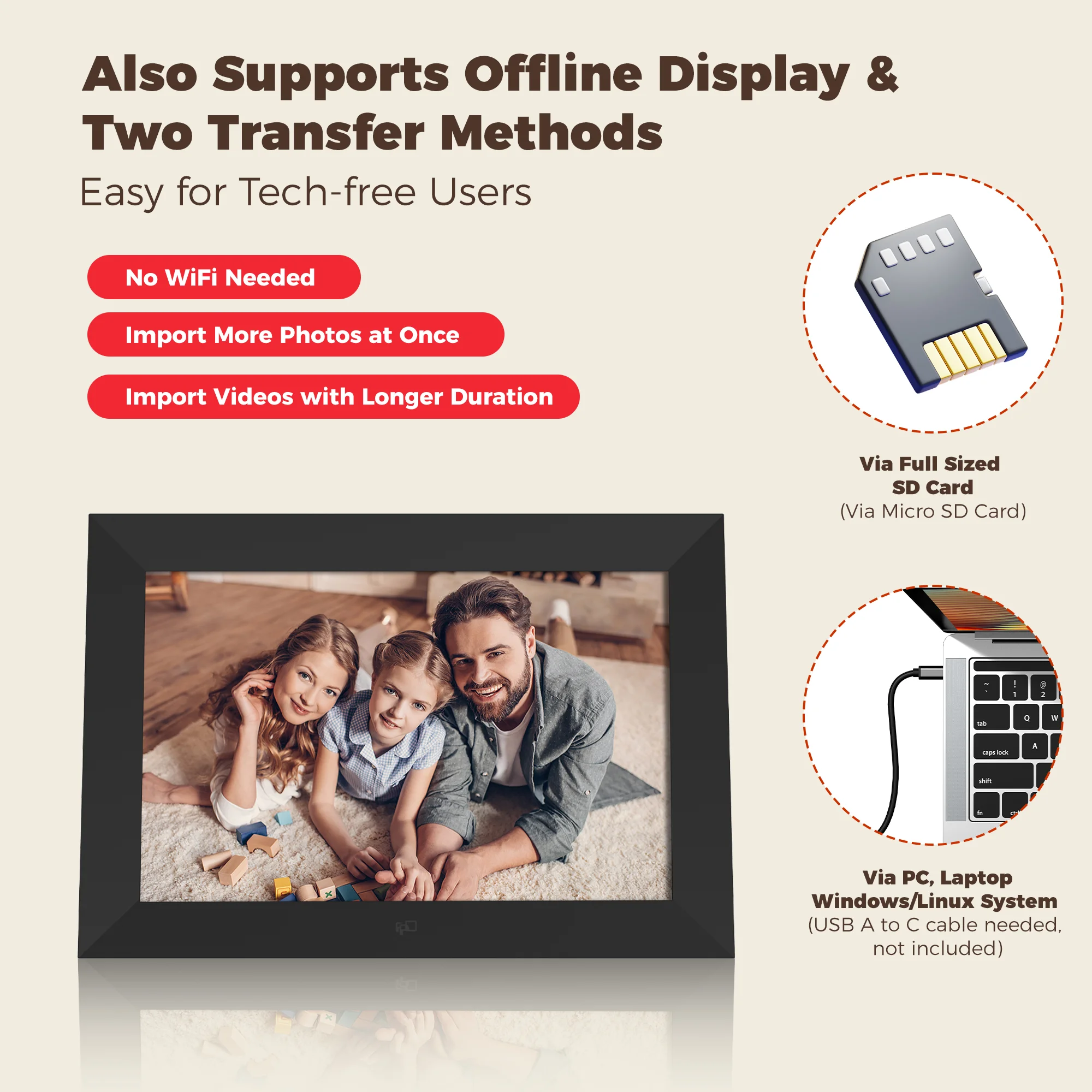
How to Import via Micro SD Card ?
1. Insert the Micro SD card into the port on the back of the frame.
2. Go to Settings > Manage Photos > Import photos.
3. Select the photos/videos from the Micro SD card and import them.
How to Import via Computer ?
1. Connect the frame to your computer with a USB-A to USB-C cable.
2. Go to Settings > Manage Photos > Transfer from Computer and turn it on.
3. Open the frame folder on your computer and drag photos/videos into it.