

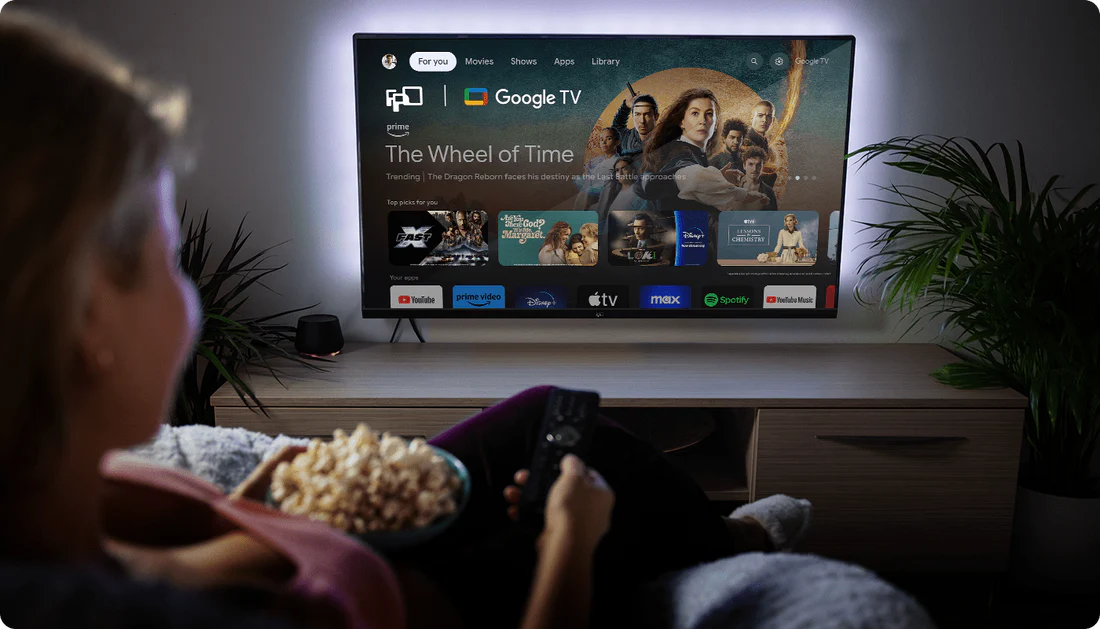
A smart TV is an important part of your home entertainment setup. With the right care, you can help maintain its picture quality, performance, and lifespan for years to come.
From cleaning the screen to managing power and software updates, a few simple habits can make a big difference.
Clean the Screen the Right Way
Your TV screen should be cleaned gently. Use a soft, dry microfiber cloth to remove dust from the screen and frame. Avoid paper towels, rough fabrics, or household cleaners, as they may scratch the surface or damage the screen coating.
If the screen has fingerprints or stubborn marks, lightly dampen the microfiber cloth with water and wipe gently. Never spray liquid directly onto the TV. Before turning the TV back on, make sure the screen is completely dry.
Place Your TV in a Safe Location
Where you place your TV can affect its performance and lifespan. Keep it away from direct sunlight, heaters, radiators, and areas with high humidity. Too much heat, moisture, or sunlight may affect the screen and internal components over time.
Also make sure there is enough space around the TV for ventilation. Good airflow helps prevent overheating, especially if the TV is placed on a cabinet, shelf, or wall-mounted setup.
Manage Power Properly
Good power management helps protect your TV. Turn the TV off when it is not in use to reduce unnecessary wear. If you live in an area with unstable power or frequent storms, using a surge protector can help protect the TV from sudden voltage changes.
Avoid unplugging the TV while it is updating or running important system processes. If you need to unplug it, turn it off properly first.
Keep Software Updated
Smart TVs rely on software to run apps, improve performance, and maintain security. Regular updates can fix bugs, improve system stability, and support newer app versions.
If your TV supports automatic updates, consider turning them on. You can also check for updates manually in the settings menu from time to time.
Take Care of Ports and Cables
HDMI, USB, and other connection ports should be kept clean and handled carefully. Dust or loose connections can affect signal quality or cause devices to disconnect.
When plugging in or removing cables, avoid bending them sharply or forcing them into the ports. If you notice dust around the ports, gently clean the area with a dry cloth or use compressed air carefully.
Don’t Forget the Remote Control
The remote control is used every day, so it also needs basic care. Wipe it with a soft cloth regularly, especially around the buttons. Avoid using too much liquid, as moisture can enter the remote and affect its function.
If you will not use the remote for a long time, remove the batteries to prevent leakage. Replace old batteries when the remote becomes slow or unresponsive.
Simple Troubleshooting Tips
If your TV has a minor issue, such as app lag, connection problems, or temporary picture problems, try restarting the TV first. Also check the power cable, HDMI cable, Wi-Fi connection, and input source.
For ongoing issues, refer to the user manual or contact customer support for help. Taking action early can help prevent small problems from becoming bigger ones.
Keep Your Smart TV Working Its Best
Smart TV maintenance does not have to be complicated. Clean the screen carefully, keep the TV well-ventilated, manage power properly, update the software, and take care of cables and accessories.
With these simple habits, your smart TV can continue to deliver a smooth and enjoyable viewing experience for everyday entertainment.