

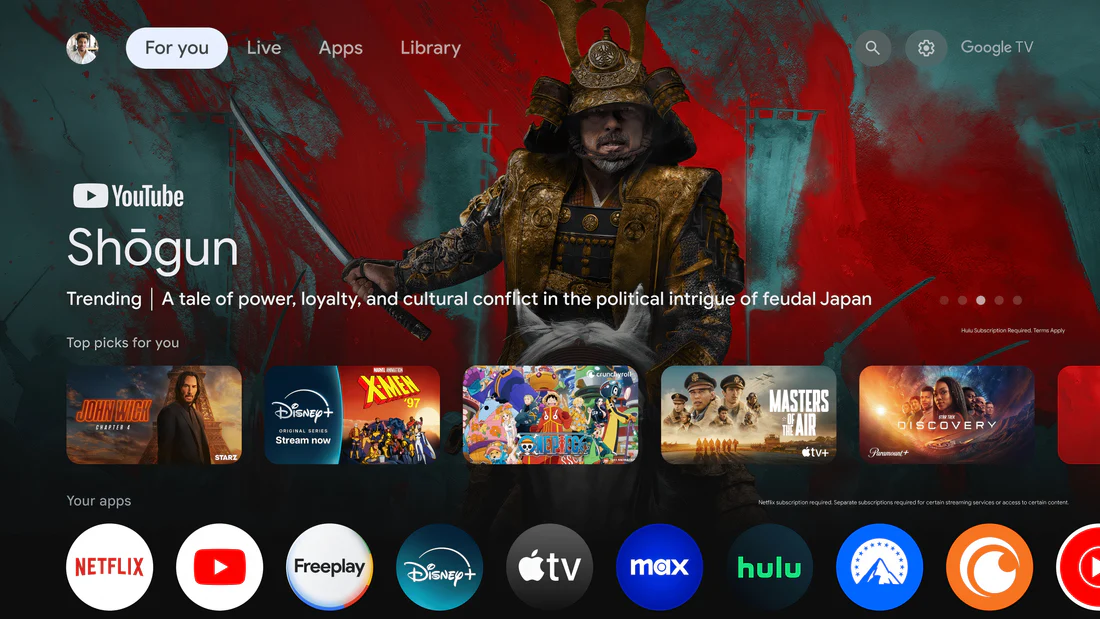
Google TV is designed to help you discover shows and movies based on your interests. But sometimes, the recommendations may feel a little off. Maybe someone else used your profile, or your old viewing history no longer reflects what you like today.
The good news is that you can improve your Google TV recommendations with a few simple habits. Here are some practical ways to make your home screen feel more personal.
1. Clean Up Your Viewing History
Your viewing history plays an important role in what Google TV recommends. If your history includes content watched by guests, kids, or other family members, the system may start suggesting titles that do not match your taste.
From time to time, review your Google account activity or YouTube history and remove items that no longer reflect your interests. A cleaner history gives Google TV better signals and helps it recommend content that is closer to what you actually enjoy.
2. Use Ratings and Feedback
When Google TV gives you an option to like, dislike, hide, or mark a title as “not interested,” use it. These small actions help the system understand what you want to see more of and what you would rather avoid.
Positive feedback tells Google TV to show more similar content. Negative feedback helps reduce unwanted suggestions. The more consistently you use these options, the more accurate your recommendations can become.
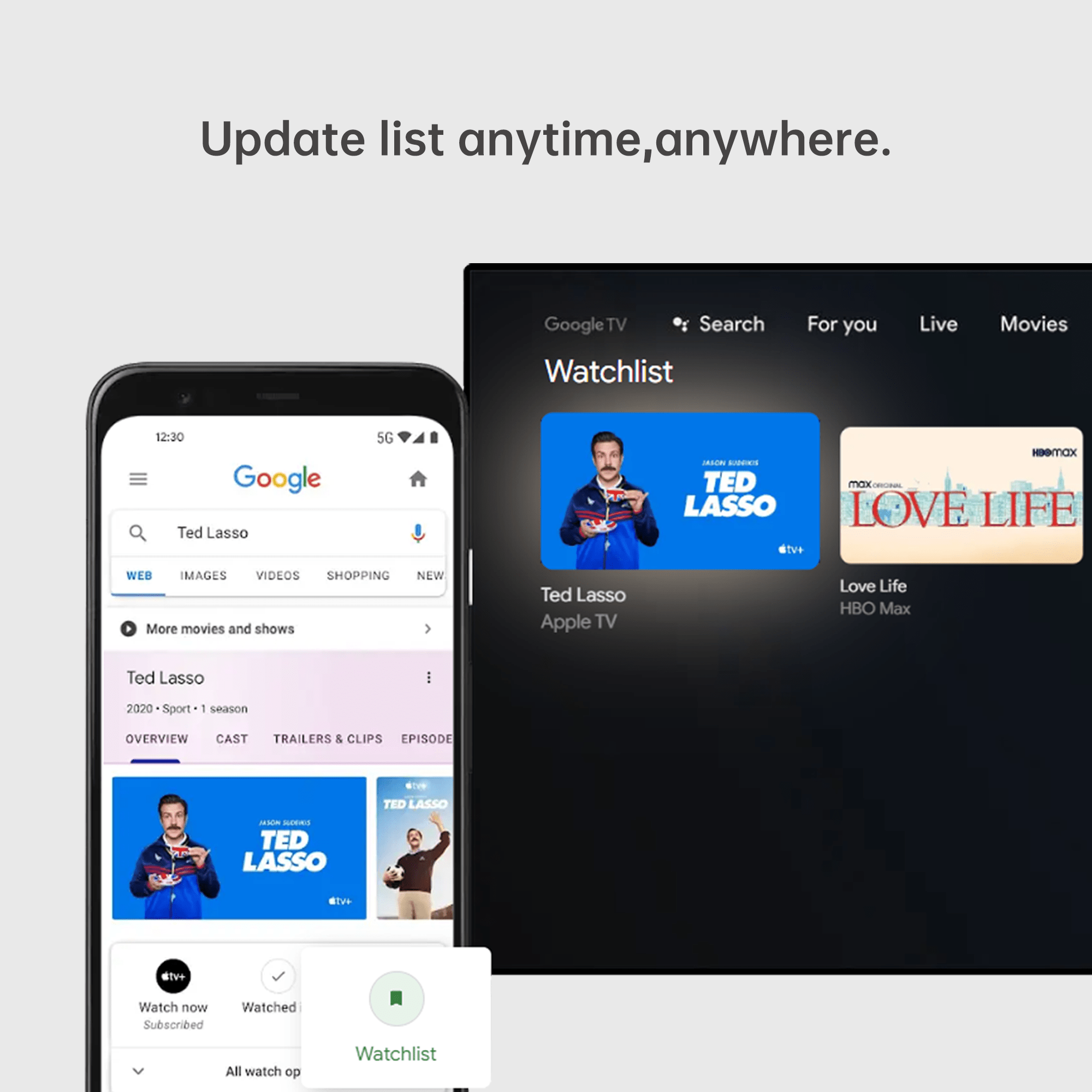
3. Keep Your Watchlist Updated
Your watchlist is more than a reminder list. It also tells Google TV what kind of movies and shows you are interested in.
Add titles that truly match your current tastes, such as genres, actors, themes, or series you want to explore. At the same time, remove titles you no longer care about or have already watched elsewhere. An updated watchlist gives the system a clearer picture of your viewing preferences.
4. Explore Different Types of Content
If you always watch the same kind of content, your recommendations may become repetitive. Trying something new can help Google TV understand a wider range of your interests.
You do not need to change your viewing habits completely. Watching an occasional documentary, comedy special, classic film, foreign-language movie, or new genre can give the system more useful information. This can make future recommendations feel more balanced and interesting.
5. Set Up Separate User Profiles
If several people use the same TV, separate profiles are very important. When everyone watches from one profile, the viewing history becomes mixed, and recommendations can quickly become inaccurate.
Set up individual profiles for different family members whenever possible. This helps each person get recommendations based on their own viewing habits, instead of a mix of everyone’s preferences.
6. Use Search and Voice Commands
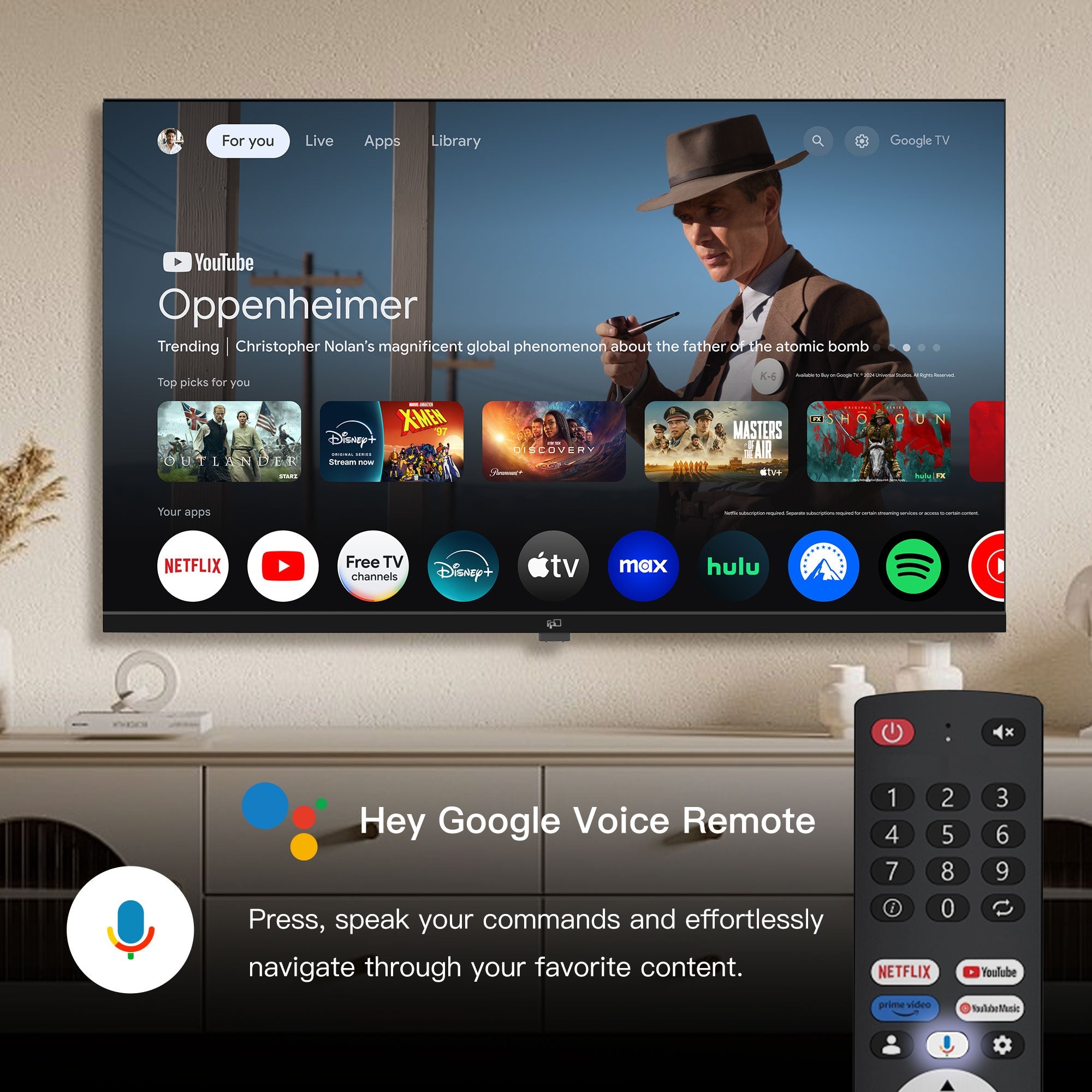
Search behavior can also help shape recommendations. When you search for a specific movie, actor, genre, or topic, Google TV gets a better idea of what you are looking for.
Voice search makes this even easier. For example, you can search for action movies, family comedies, nature documentaries, or shows starring a specific actor. These searches help Google TV understand your interests more clearly.
7. Use Other Discovery Tools
Sometimes, you may find great shows or movies outside Google TV, such as from review sites, streaming guides, or recommendations from friends. When you find something interesting, search for it on Google TV and add it to your watchlist.
This helps connect outside discovery with your Google TV experience, making your recommendations more relevant over time.
Make Google TV Work Better for You
Improving Google TV recommendations is not about changing one setting. It is about giving the system better signals over time.
By cleaning up your history, using feedback, updating your watchlist, setting up separate profiles, and exploring different content, you can make Google TV feel more personal and useful.
With a little regular interaction, your home screen can show more of what you actually want to watch and less of what you do not.